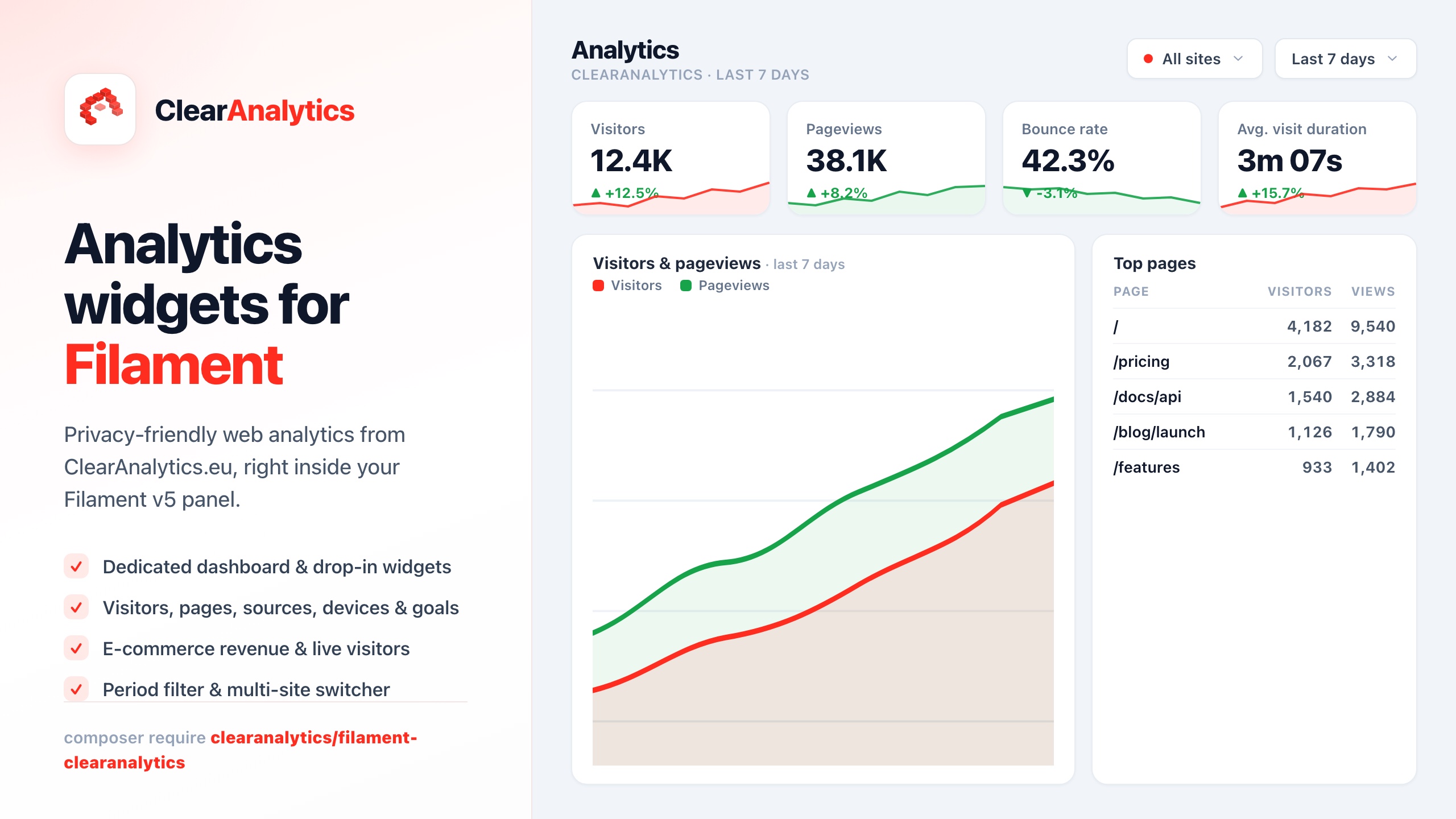
We're excited to announce native Power BI support for ClearAnalytics. You can now import your privacy-first analytics data directly into Microsoft Power BI, building rich BI dashboards and reports without compromising on visitor privacy.
Why Power BI?
Power BI is one of the most popular business intelligence tools in the world, used by organizations of all sizes to visualize and analyze data. Many of our users already have Power BI set up for their other business data — sales figures, marketing spend, financial reports — and have asked us to make it easy to bring their website analytics into the same place.
With this integration, you can combine website traffic, conversion goals, and e-commerce data from ClearAnalytics with your other business metrics. All in one dashboard, without any data warehouse in between.
How It Works
We've built two integration paths depending on your needs:
Option 1: Ready-Made Power Query Script (Recommended)
The fastest way to get started. Our API generates a complete Power Query M script that you can paste directly into Power BI Desktop:
- Go to Settings → API Tokens and create an API token
- Download the Power Query script from
/api/v1/export/powerbi-schema?format=pqm - Open Power BI Desktop and go to Get Data → Blank Query → Advanced Editor
- Paste the script and replace
YOUR_API_TOKENwith your actual token - Click Done — your data loads automatically with correct column types
The script imports all four data tables — pageviews, goals, goal completions, and e-commerce events — and automatically applies the right data types (dates, numbers, booleans) so your visualizations work immediately.
Option 2: Power BI Schema + CSV Import
If you prefer more control, you can use our Power BI-compatible schema endpoint (/api/v1/export/powerbi-schema) to get the EDM type definitions for all tables, then configure your own Web data source using our CSV export endpoints.
What Data Can You Import?
All the same data available through our regular export endpoints:
- Pageviews — Every page visit with referrer, UTM parameters, device info, country, session duration, bounce flags, and timestamps
- Goals — All your configured conversion goals with their type and configuration
- Goal Completions — Individual goal conversion events linked to visitors and pageviews
- E-commerce Events — Purchase events, add-to-cart actions, and other transaction data with revenue, items, and properties
Privacy Stays Intact
The data you import into Power BI has already been anonymized at collection time. Visitor hashes are one-way SHA-256 hashes that rotate daily — they cannot be reversed to identify individuals. There are no IP addresses, no cookies, and no personal identifiers in the export. This means your Power BI dashboards are fully GDPR-compliant by default.
Example Use Cases
Here are some dashboards our early testers have built:
- Marketing ROI Dashboard — Combine UTM campaign data from ClearAnalytics with ad spend from your marketing tools to calculate true ROI per channel
- E-commerce Performance — Visualize conversion funnels, revenue by traffic source, and product performance alongside your financial data
- Content Performance — Track which blog posts and landing pages drive the most engagement, with session duration and bounce rate overlays
- Executive Summary — A single-page view combining website traffic trends, goal conversions, and business KPIs for leadership reporting
Also Available: BigQuery Integration
Power BI joins our existing BigQuery integration as the second native data warehouse connector. Both use the same underlying export API, so you can use whichever tool fits your stack. We also support JSONL and CSV exports for custom integrations with tools like Looker, Metabase, Tableau, or your own data pipelines.
Getting Started
The Power BI integration is available now for all plans. Head over to our API documentation for the full guide, including the Power BI Quick Start section with step-by-step instructions.
If you don't have an API token yet, create one in Settings → API Tokens — it takes 10 seconds. From there to a working Power BI dashboard is about 5 minutes.
Questions or feedback? We'd love to hear what dashboards you're building.